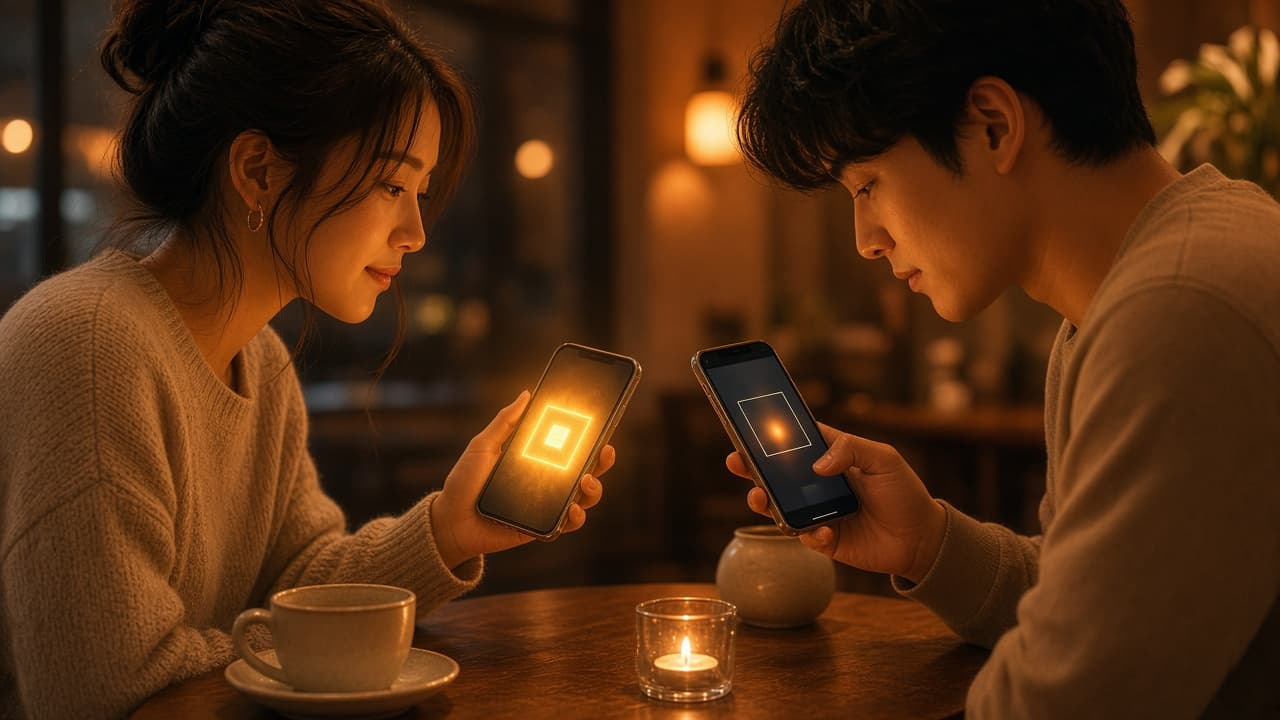
Locksee starts with a code you choose to show. Scan, connect, chat. No public directory. No “who has my number” problem.
A QR sounds small until you live with it for a week. You stop reciting digits in a noisy cafe. You stop wondering whether the person you just met will land in a broadcast list. You show a code, or you scan one, and the person is in your list.
Why a number is a bad username
A phone number is reused, ported, sold, printed on invoices, and stored by every shop that asked for OTP. When WhatsApp uses that same number as your identity, the messenger inherits every leak the number already had.
Email-based apps have a milder version of the same problem: a inbox you cannot easily burn. Locksee uses neither. The door is a QR you can refresh.
How connecting works
Download Locksee. Open your code. Let them scan it, or scan theirs. That is the account graph. No signup form asking for a SIM at the door.
Then you can set a scan limit so the code dies after a few uses — useful at an event, a trip, or a week you do not want to leave the door open. If someone tries to forward your QR, you get a share alert. The code is not public property.
What this does not replace
QR identity is how people find you. Encryption is how the content stays closed. You still want both. A secret door with an unlocked room is not privacy. An encrypted room with a listed phone number is only half the job.
Locksee does the two together: numberless entry, then device-locked chats and calls. Official walkthrough: locksee.app/about#qr-identity.
Try the controls
Flip per-chat privacy on the home page, or read the official feature list.